
Download ID Card Designer Software – ID card designer, card maker, ID card software, photo ID maker, business card designer, badge maker, identification card creator, custom ID card, employee ID maker, personalized ID card, ID card template, ID card generator, digital ID card, ID card tool, ID card app
Overview
The ID Card Designer Software is a mobile application developed for users seeking a streamlined method to create identification cards on the go. Designed with simplicity and speed in mind, the app enables individuals and small to medium-sized businesses to produce professional-looking ID cards within minutes. Its core purpose lies in addressing the need for quick, customizable, and cost-effective solutions for employee badges, visitor passes, event credentials, and internal identification.
The app targets users who require on-demand card creation without the complexity of advanced design software. While the developer’s background is not publicly detailed beyond the app’s name, the consistent focus on usability and rapid output suggests a targeted approach to productivity tools for business environments. Real-world applications include HR departments issuing employee IDs, event organizers managing access passes, and small business owners creating branded identification.
In the broader mobile app ecosystem, the ID Card Designer Software fills a niche for accessible, lightweight utility tools that empower users to generate functional digital assets without technical barriers. The app’s free pricing model further enhances its accessibility, making it a practical choice for organizations with limited design resources.
Key Features & Functionality
- User-Friendly Interface: The app features a simplified layout that minimizes the learning curve, allowing users with minimal design experience to navigate tools and settings intuitively. This is especially beneficial for non-designers managing routine ID creation tasks.
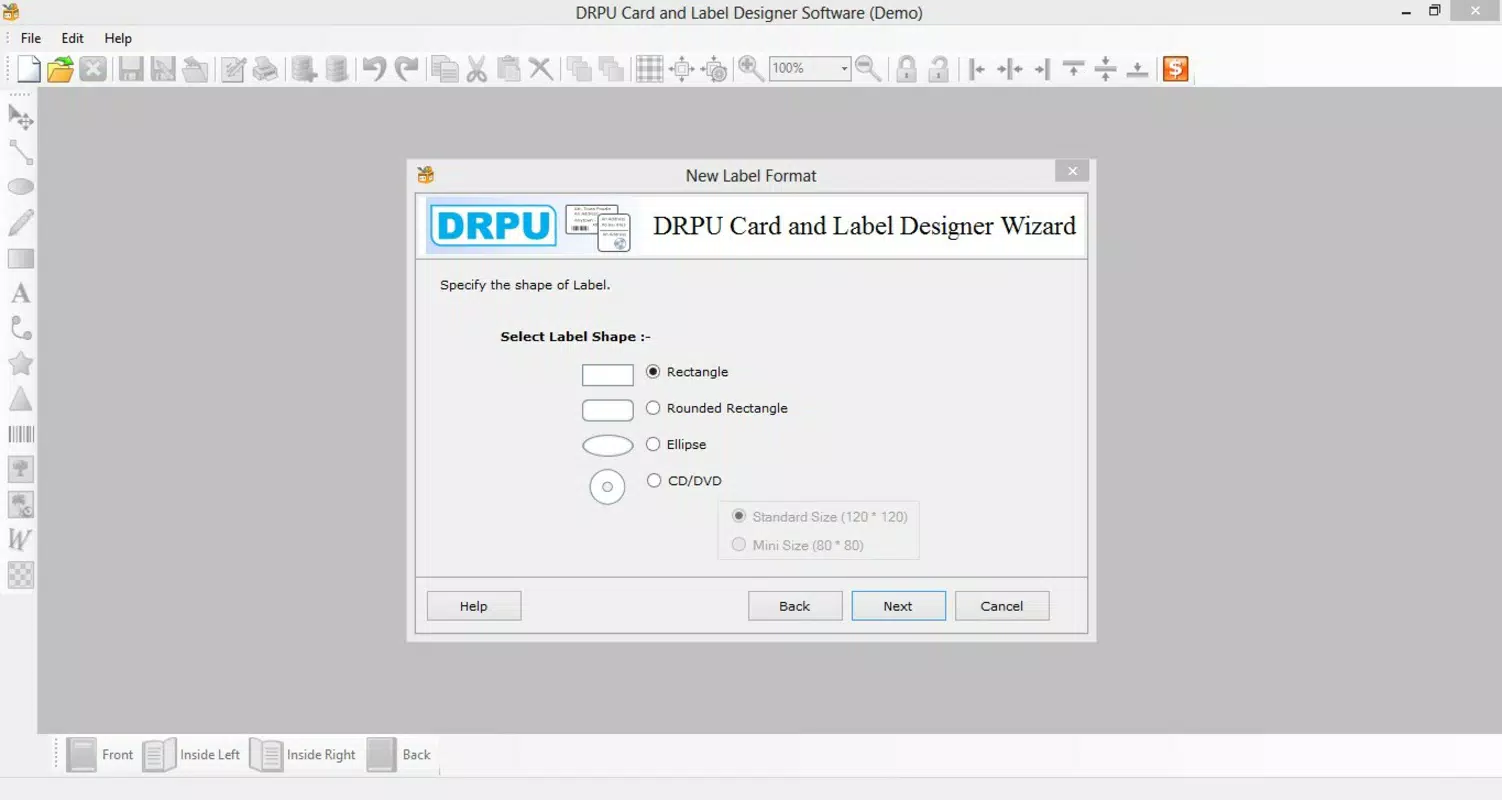
- Customizable Card Formats: Users can select from various card sizes and layouts, supporting both standard and folded formats. This flexibility ensures compatibility with different printing standards and use cases, from simple employee badges to multi-panel visitor passes.
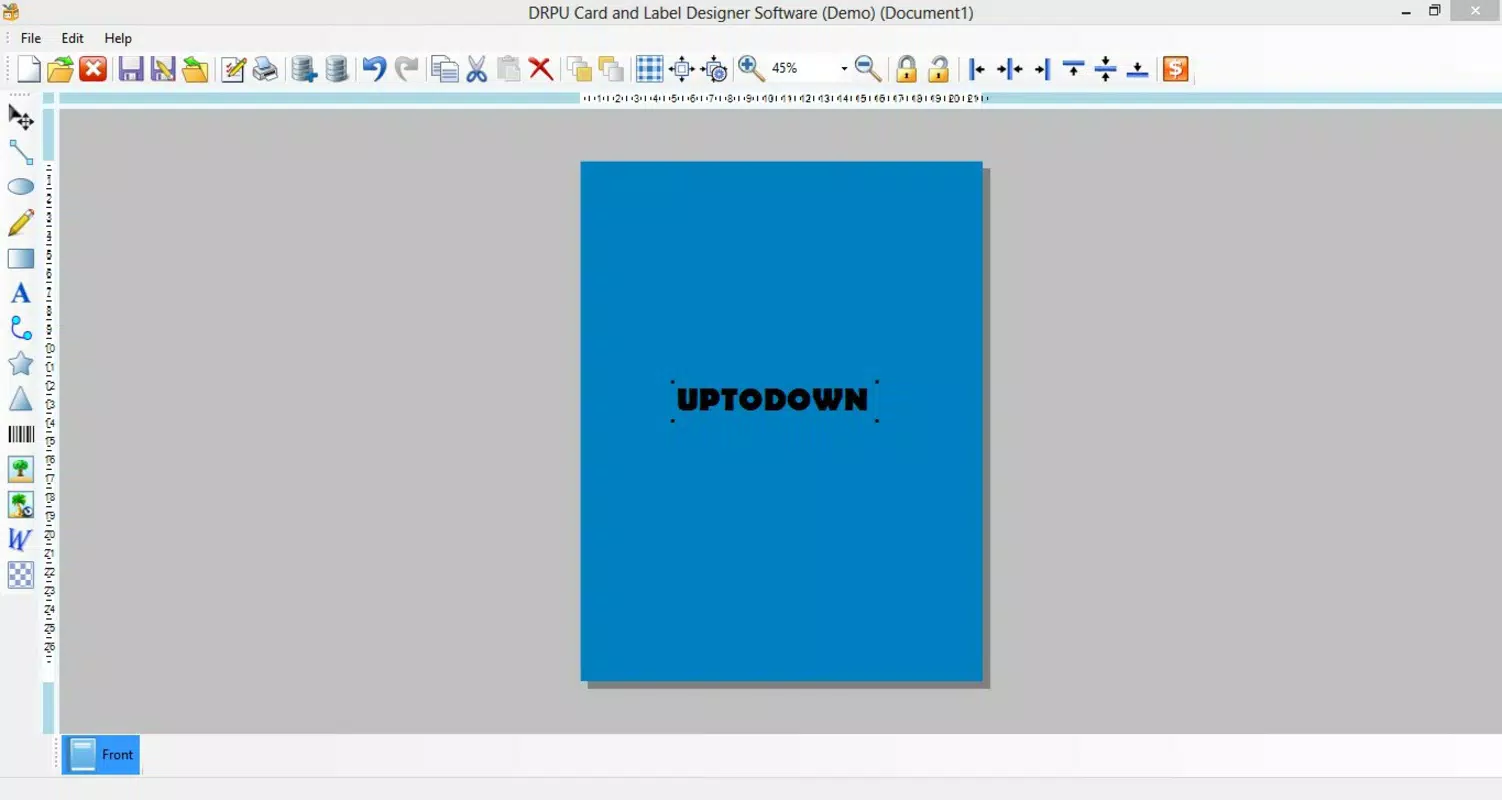
- Background Color Options: The ability to choose background colors allows for visual alignment with corporate branding or event themes. This feature supports a cohesive and professional appearance across all issued cards.
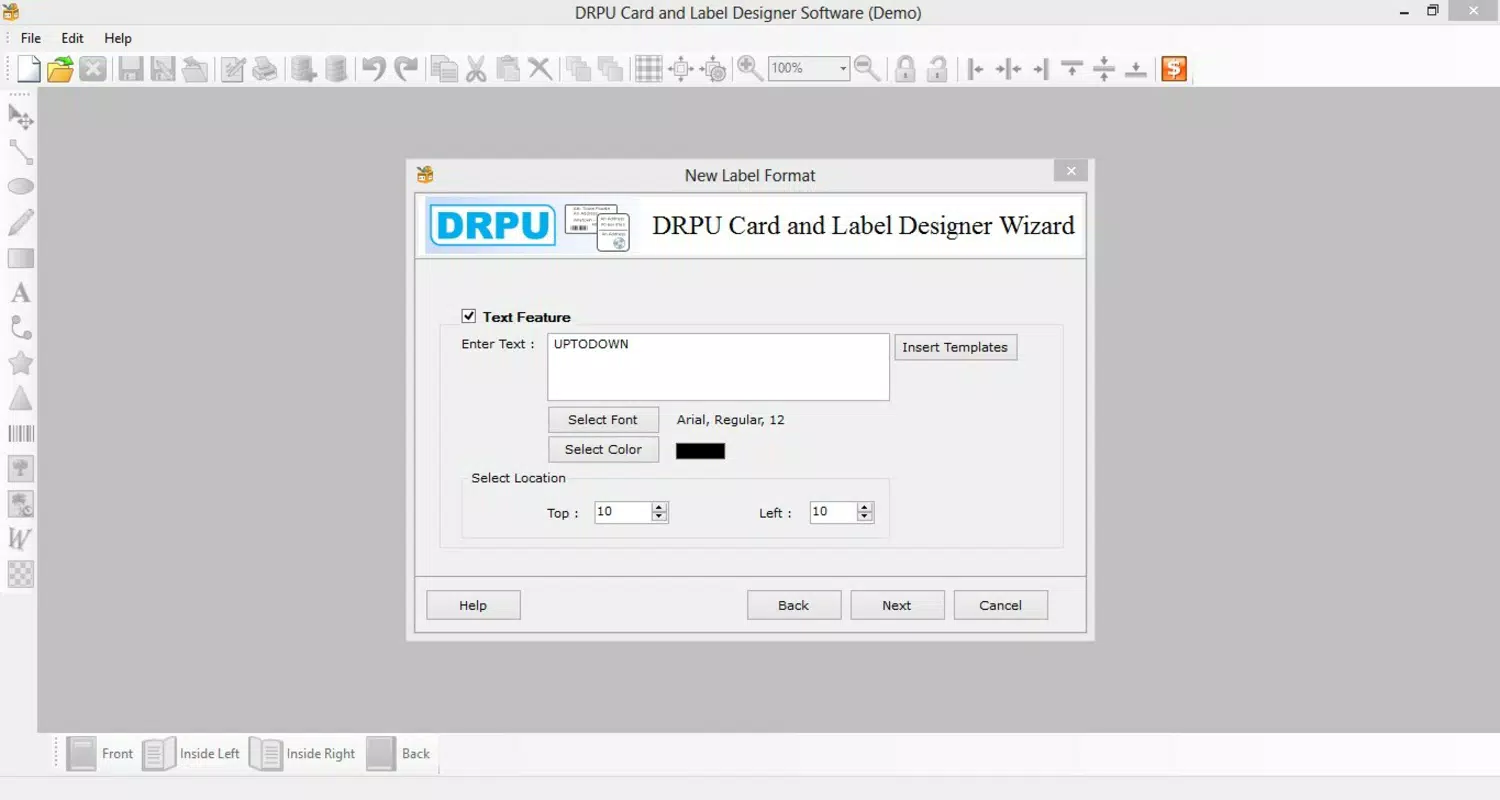
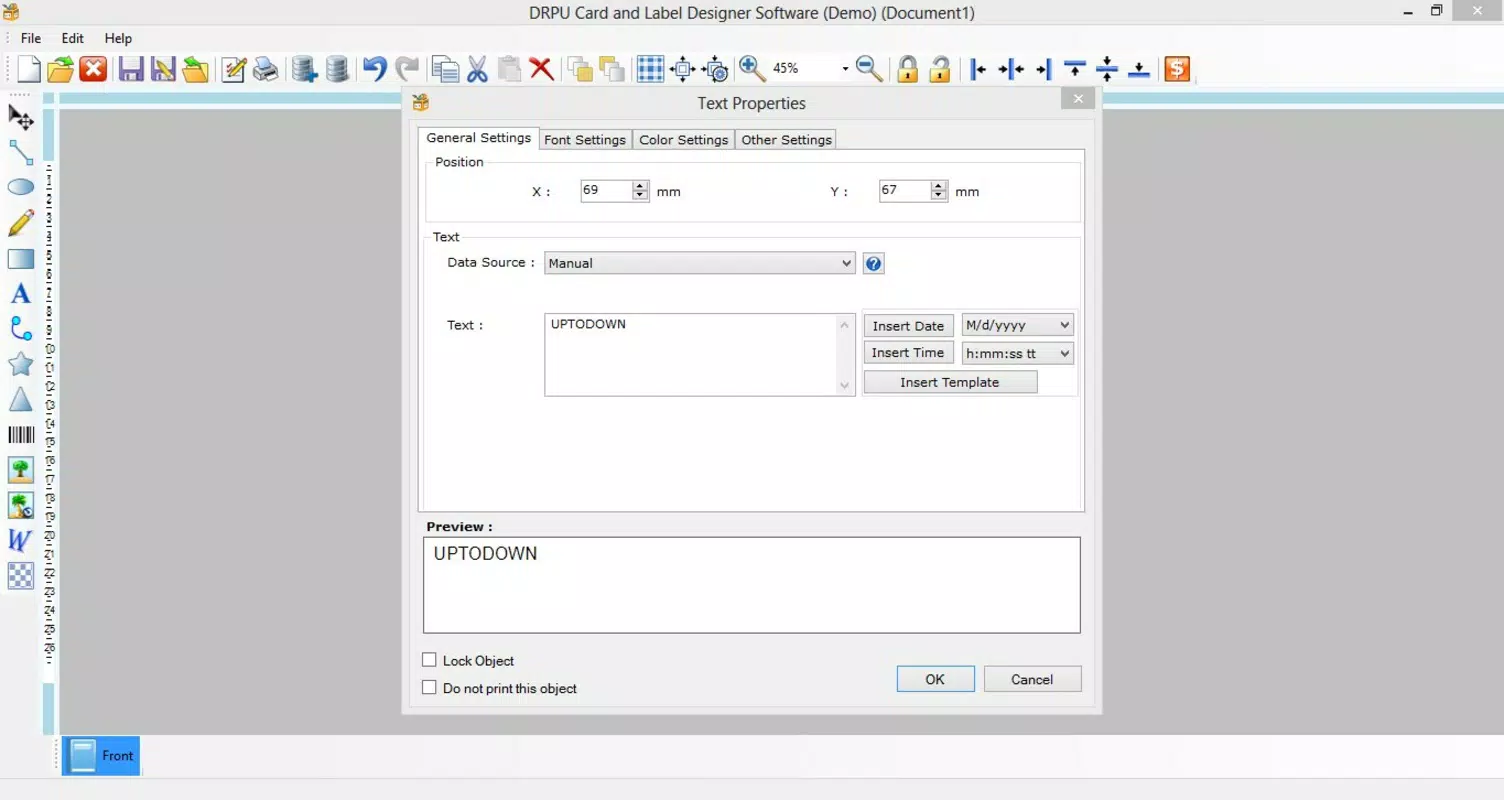
- Text and Image Integration: Users can insert custom text fields and upload images, including logos, employee photos, or security symbols. This functionality enables the creation of detailed, personalized ID cards that serve both identification and branding purposes.
- Rapid Card Creation: A guided help system streamlines the workflow, enabling users to complete a card in as little as five minutes. This efficiency is ideal for time-sensitive scenarios such as last-minute event setups or urgent employee onboarding.
For example, a small business owner can use the app to create a branded employee ID card by selecting a card format, applying a company color scheme, adding a photo and name, and exporting the design—all within minutes. Similarly, an event coordinator can generate visitor badges with event logos and names, ensuring consistent and secure access management.
Interface, UX & Performance
The app presents a clean and minimal interface focused on essential tools, reducing visual clutter and enhancing user focus. Navigation appears to be linear and logical, with key functions grouped in accessible menus. The visual style prioritizes functionality over ornamentation, which aligns with its productivity-oriented purpose.
Users can expect smooth transitions between design steps, with responsive feedback during text input and image placement. Although the developer did not list formal performance metrics, the app’s lightweight size of 22.7 MB suggests optimized resource usage, which typically translates to stable performance across mid-range and entry-level Android devices. Responsiveness is likely consistent during standard operations such as adding text, selecting colors, or adjusting image positions.
Stability appears to be a design priority, given the app’s long-standing presence since 2013. However, specific details on compatibility with older Android versions or performance under heavy usage were not disclosed. The absence of reported crashes or bugs in public records indicates a generally reliable user experience, though real-world performance may vary depending on device hardware and OS configuration.
Platform Compatibility & Technical Requirements
ID Card Designer Software is available exclusively on the Android platform. The app runs on Android devices with a software version not specified by the developer. The file size is listed at 22.7 MB, indicating a lightweight footprint that should not strain storage on most smartphones or tablets.
The developer did not specify minimum OS requirements, making it difficult to determine compatibility with older Android versions. Users should verify the app’s functionality on their specific device model and OS version before installation. No additional hardware requirements such as cameras or printers are mentioned, suggesting the app functions primarily as a design tool for digital output.
While the app is free to download and install, users should ensure their device meets general Android system standards to support smooth operation. Compatibility information was not fully disclosed, so installation on devices with outdated or unsupported OS versions may be uncertain.
Pros and Cons
Pros
- Fast card creation in under five minutes, ideal for urgent needs.
- Intuitive interface suitable for non-technical users.
- Supports customization of card formats, colors, text, and images.
- Lightweight size (22.7 MB) ensures minimal storage impact.
- Free to download and use, offering high accessibility.
Cons
- Specific OS requirements were not listed, limiting compatibility clarity.
- No information provided about export formats or printing integration.
- Developer background and support details are not publicly available.
- Limited data on performance across different device categories.
- App has not been updated since 2013, raising concerns about long-term maintenance.
FAQ
Is ID Card Designer Software safe to download and install?
Yes, the app is free and available through official Android channels. However, users should ensure they download from trusted sources to avoid unauthorized modifications.
Can I use the app without an internet connection?
Yes, the app functions offline once installed, allowing users to design cards without requiring an active internet connection.
Does the app support printing directly from the device?
The developer did not specify printing integration or supported output formats. Users may need to export the design to a file for printing via external software.
Is the app compatible with older Android versions?
Compatibility information was not disclosed. While the app has been available since 2013, it may not function optimally on devices with outdated operating systems.
Are there any in-app purchases or ads?
The app is listed as free with no visible ads or purchase options in the provided information. However, future updates may introduce monetization features.
Final Thoughts + CTA
For small and medium-sized businesses, event planners, or HR professionals needing a no-frills solution for ID card creation, ID Card Designer Software offers a practical and accessible tool. Its emphasis on speed, simplicity, and customization makes it a valuable asset for generating professional-looking identification cards without design expertise. While the app’s age and lack of recent updates may raise questions about long-term support, its core functionality remains relevant for basic card design tasks.
The absence of in-app purchases and its free availability further enhance its appeal. If you’re looking for a lightweight, efficient tool to produce employee badges, visitor passes, or branded ID cards quickly, this app delivers on its promise. Download ID Card Designer Software now.


